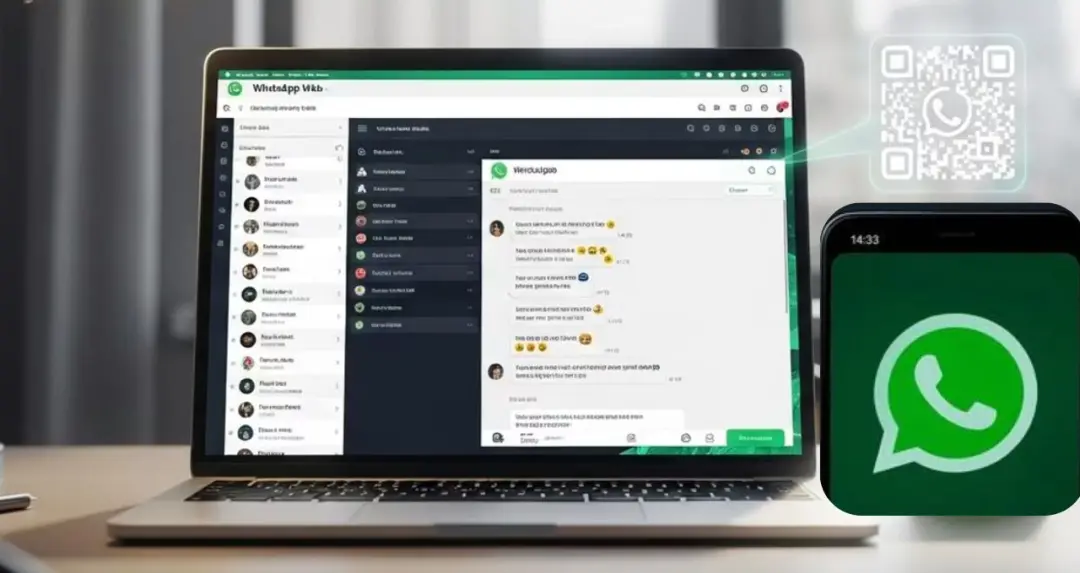
The Indian Cyber Crime Coordination Centre (I4C), operating under the Ministry of Home Affairs, has issued a security advisory for WhatsApp Web users, warning that accounts may remain active even after the browser is closed. The advisory highlights the risk of unauthorised access to private messages and personal information, particularly when WhatsApp Web is used on shared or public computers.
Many people use WhatsApp on desktop computers instead of repeatedly checking their mobile phones while working. WhatsApp Web allows users to send messages, share important files and communicate more conveniently.
However, security risks can arise when users leave a computer without logging out of their WhatsApp accounts after completing their work.
The Indian Cyber Crime Coordination Centre, under the Ministry of Home Affairs, has warned users about this practice. An advisory issued by I4C's National Cybercrime Threat Analytics Unit specifically cautions people who access WhatsApp Web on computers used by multiple individuals.
Users often assume that closing the browser tab after using WhatsApp Web automatically logs them out of their accounts. However, this is not necessarily the case. In some instances, the WhatsApp session may remain active on the computer.




Consequently, another person using the same browser may gain access to the account.
If an unauthorised person accesses an active session, they may be able to read private messages, view contact lists and group chats, and access information shared during conversations. They may also send messages to other people using the account.

Cybercriminals could potentially exploit this access to impersonate the account holder and contact friends or relatives. Since messages appear to come from a familiar contact, recipients may trust them without verifying their authenticity.
I4C has advised users to avoid logging into WhatsApp Web on computers at cyber cafes, hotel business centres and devices borrowed from other people.
If accessing WhatsApp on a trusted computer is necessary for a short period, users can use the browser's private browsing window. However, using a private window does not eliminate the need to log out after completing the session.
Users should also avoid sharing bank account details, passwords and other sensitive documents through WhatsApp when accessing the service from someone else's device rather than their personal mobile phone or computer.
Additionally, users should regularly update their computer's operating system, browser and antivirus software. They should avoid clicking suspicious links received from unknown individuals or downloading unfamiliar applications.
Users who forget to log out of WhatsApp Web at an office or another location do not need to return to the same computer to end the session.
They can open WhatsApp on their mobile phones and navigate to the Linked Devices section. This section displays the devices connected to their accounts.
Users can select the computer from which they want to disconnect their account and tap the logout option. If an unfamiliar device appears in the list, they should remove it immediately.
Checking the Linked Devices section periodically is also an important security practice.
If messages have been sent from an account without the user's knowledge, or contacts report receiving unusual replies, users should not ignore the warning signs. They should immediately check their connected devices.
Complaints related to cybercrime can be submitted through the National Cyber Crime Reporting Portal at cybercrime.gov.in. In cases of financial fraud, users can contact the helpline number 1930.