Cybercriminals are installing malware and remote access tools on users' smartphones through fake VPN apps. This has increased the risk of banking details, OTPs, and private data being stolen. Google has advised keeping Play Protect on and downloading apps only from official stores.
Fake VPN Apps Warning: Google has warned VPN users worldwide that cybercriminals are targeting people through fake VPN apps. These fraudulent apps are spreading through social media, fake websites, and suspicious links. Once installed, these apps inject malware and remote access tools into the phone, which can lead to the theft of the user's banking information, passwords, and private data. In light of this threat, Google has advised users to always keep Play Protect on.
How are Fake VPN Apps Spreading the Threat?

Cybercriminals promote fake VPN apps under the names of real and trusted companies. These apps are often distributed to people through social media, fake websites, or messaging links. Users are often led to believe that these apps will fully secure their online activities.
However, as soon as these fraudulent VPN apps are installed on the phone, they activate malware and remote access tools in the background. This can give hackers complete control over the user's phone, increasing the risk of theft of passwords, OTPs, bank details, and even private conversations.
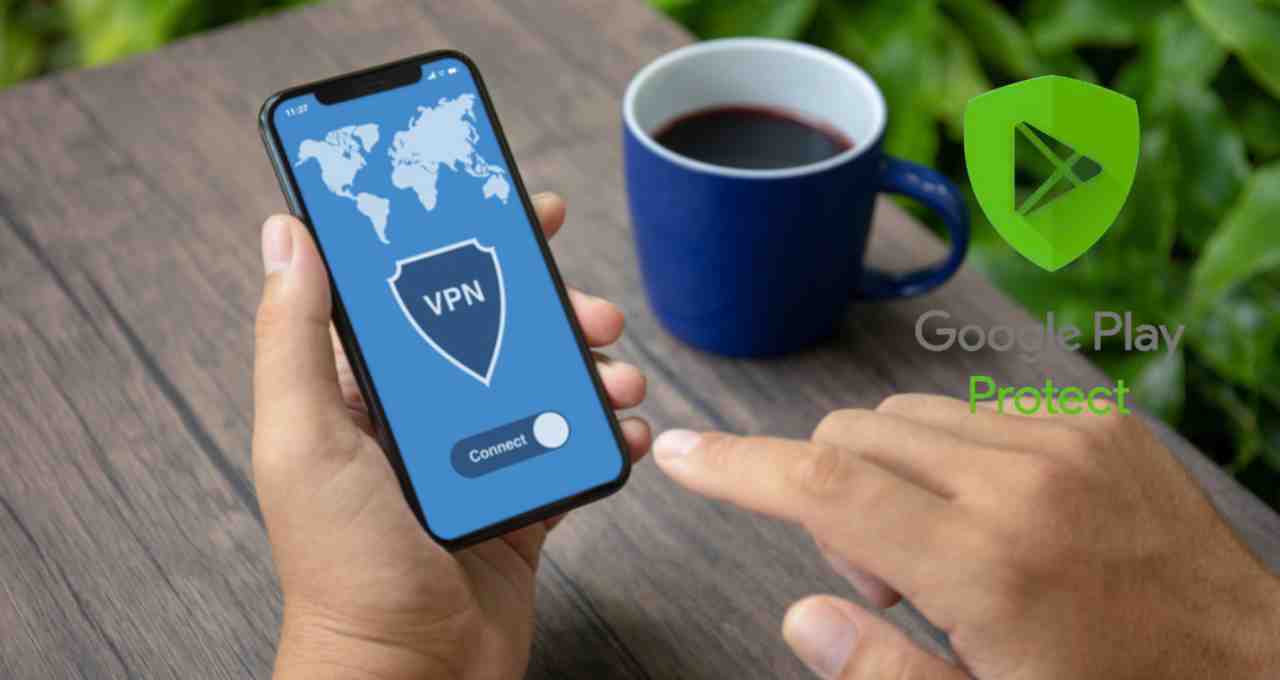
Google's Strong Advice: Keep Play Protect Always On
Google has explicitly advised users to always keep Google Play Protect active on their phones to protect themselves from this threat. This feature is capable of identifying dangerous and suspicious apps with the help of machine learning technology.
According to Google, when a user attempts to sideload a fake app via a browser or file manager, Play Protect immediately blocks the installation. Furthermore, this system can automatically prevent dangerous permissions related to financial fraud, thus keeping user data secure.
What Should Users Do to Stay Safe?
Cybersecurity agencies and Google advise users to download VPN apps only from trusted platforms like Google Play Store or Apple App Store. It is crucial to avoid clicking on download links from unknown sources, social media messages, or or emails.
If an app asks you to turn off Play Protect during installation, never install it. Additionally, keep away from VPN apps from foreign or suspicious developers, especially unknown Chinese developers, without proper verification. The U.S. Cybersecurity and Infrastructure Security Agency has also previously issued a warning to be vigilant about VPN apps.