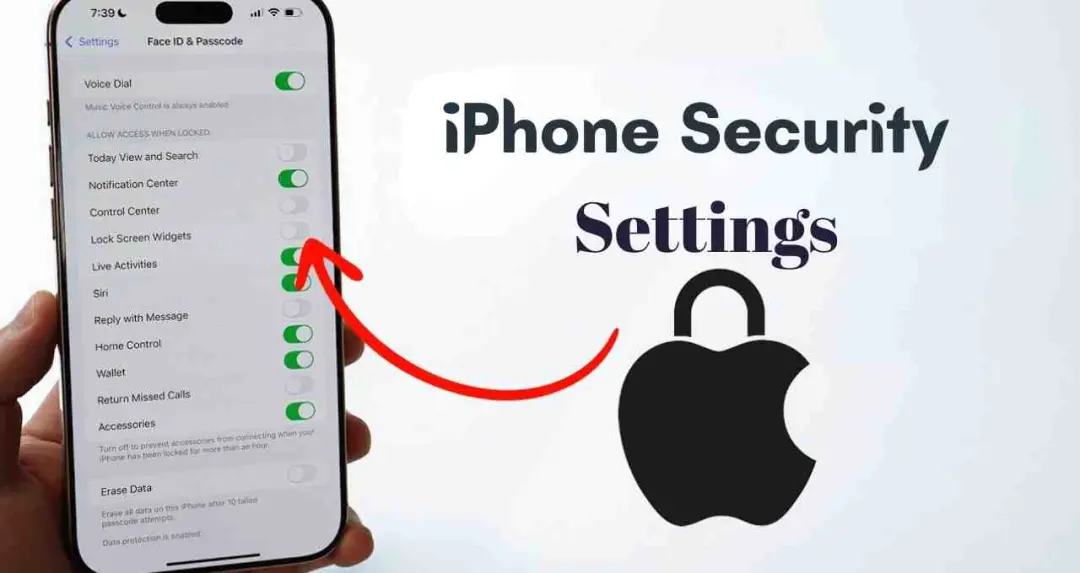
Users who purchase a new iPhone are advised to immediately activate three security features: Face ID Attention Awareness, Find My iPhone, and Two-Factor Authentication. These settings are designed to prevent unauthorised access, help track lost devices, and add additional protection to Apple ID accounts.




Face ID includes an option called “Require Attention for Face ID,” which ensures that the device unlocks only when the user is directly looking at the screen. When this feature is enabled, the phone will not unlock if the user is asleep or not paying attention. To activate it, users can open Settings, tap Face ID & Passcode, and enable the “Require Attention” option.
The “Find My iPhone” feature allows users to track their device, remotely lock it, and erase data if necessary in the event the phone is lost. To enable this feature, users can open Settings, tap their name, go to “Find My,” and activate “Find My iPhone.” The setting helps securely track the device’s location and prevent data from falling into the wrong hands.
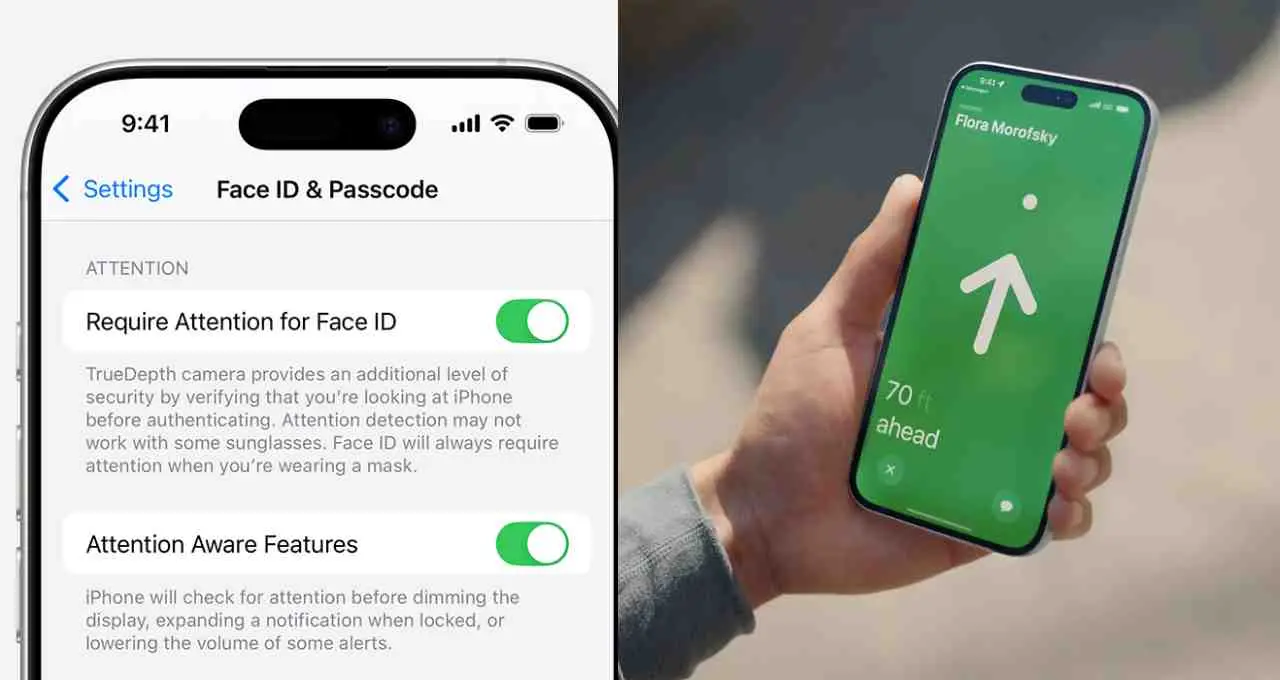
Two-Factor Authentication provides an additional verification step for Apple ID sign-ins. Even if a password is known, access to the account requires an extra verification code. To enable this feature, users can open Settings, tap their name, navigate to “Sign-In & Security,” and activate Two-Factor Authentication.
Smartphones now store banking applications, personal photographs, office documents, and other sensitive information. Activating these three features immediately after purchasing a new iPhone adds privacy protection and strengthens account and device security.