Wi-Fi Calling has emerged as a practical solution to weak mobile network issues, enabling users to make clear voice calls without call drops through b Wi-Fi connections at home or in offices.
Feature Availability in India
In locations such as homes, offices and basements where mobile signals weaken, the technology connects calls through Wi-Fi internet. In 2026, this facility is available on most smartphones and telecom networks in India. It can be used by customers whose devices and networks support the feature. Its objective is to provide a clear and stable calling experience in weak network conditions, reducing call drops and voice disruptions.




Impact of Weak Indoor Network
Mobile signals often weaken inside buildings with thick walls, high-rise structures or enclosed rooms, directly affecting call quality. Voice breaks, echo and call drops become common. In such situations, Wi-Fi Calling maintains call stability through broadband or fibre internet connections.
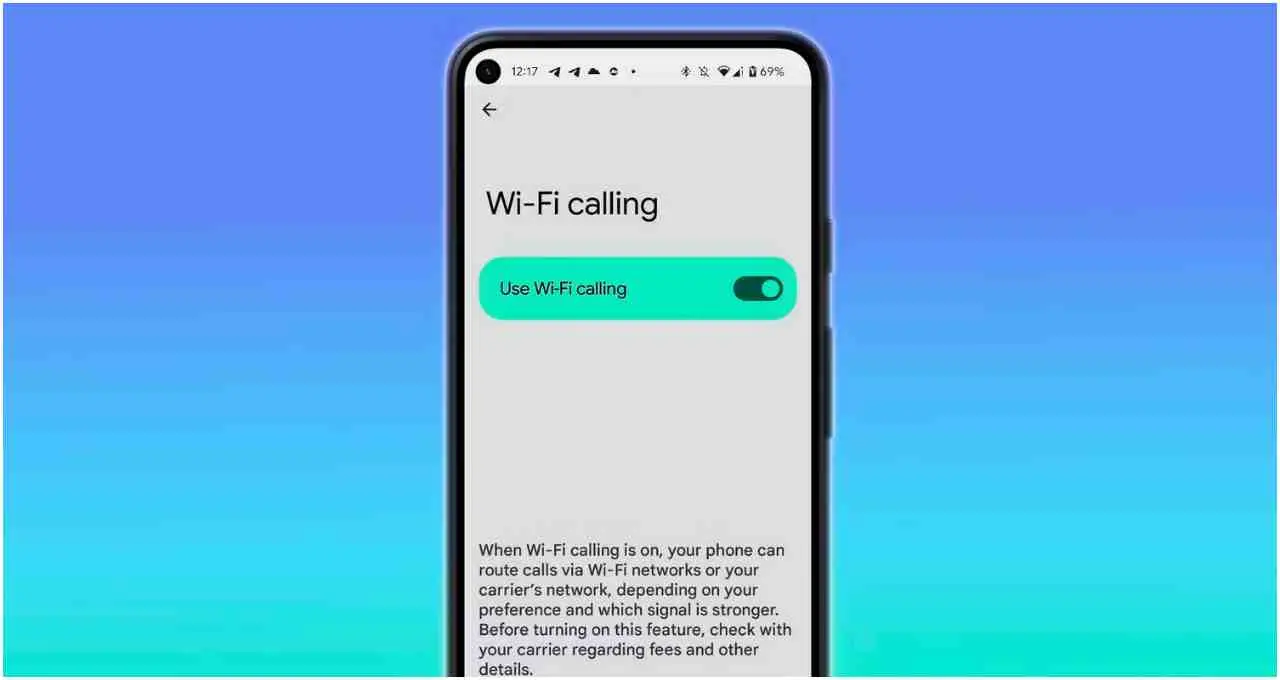
If a b Wi-Fi connection is available at home or in the office, voice clarity improves. The feature can be useful in basements, elevators or areas with limited network coverage.
How the Technology Works
Under Wi-Fi Calling, voice calls are routed to the telecom operator’s servers through a Wi-Fi network instead of a mobile tower. Even when signal bars are low, calls continue without interruption if the internet connection remains stable. Users are not required to install any separate application.
The service functions like a regular voice call, and the recipient cannot detect whether the call is placed through Wi-Fi. Call quality depends entirely on internet speed and stability. If the Wi-Fi connection is weak or unstable, voice interruptions may occur.
When to Use the Feature
Wi-Fi Calling is most useful when users are indoors and mobile network signals are repeatedly dropping. If call drop issues persist, enabling the feature in phone settings can provide a simple solution.
However, relying entirely on it while travelling outdoors or in public places may not be appropriate. Wi-Fi range is limited and stable internet access is not available everywhere. In such cases, traditional mobile networks remain more dependable. The feature should also be avoided if internet speed is low.