
With the growing use of technology, cybercriminals are adopting increasingly advanced methods. Google Threat Intelligence Group has recently warned about cyber campaigns in which attackers attempt to gain access to users’ accounts by misusing legitimate login and account-linking features.
The growing use of smartphones, laptops and cloud services has increased the importance of protecting online accounts. Cybercriminals are developing methods in which they do not directly steal passwords but instead use fake login or authentication requests to persuade users to open the way to their accounts themselves.
Such attacks can particularly concern users of popular platforms such as Microsoft Account and WhatsApp. Cybercriminals use social engineering to make users believe that a normal login or security check is taking place on their account. Approving a request without verifying it can put account security at risk.
In a fake login request-based cyberattack, criminals first attempt to send a login or authentication-related request to the user’s account. The request can sometimes appear similar to a normal security alert. The user may believe that they have initiated a login on another device.




If the user approves the request without confirming the activity, the attacker may gain a route into the account. Users should therefore not accept a Login Request or Authentication Prompt simply because it appears official or routine. They should first check whether they actually initiated the login.
For many users, a Microsoft Account is not limited to email. It can also provide access to cloud storage services such as OneDrive, documents and other digital services. If an account is compromised, personal information and important files may also be at risk.
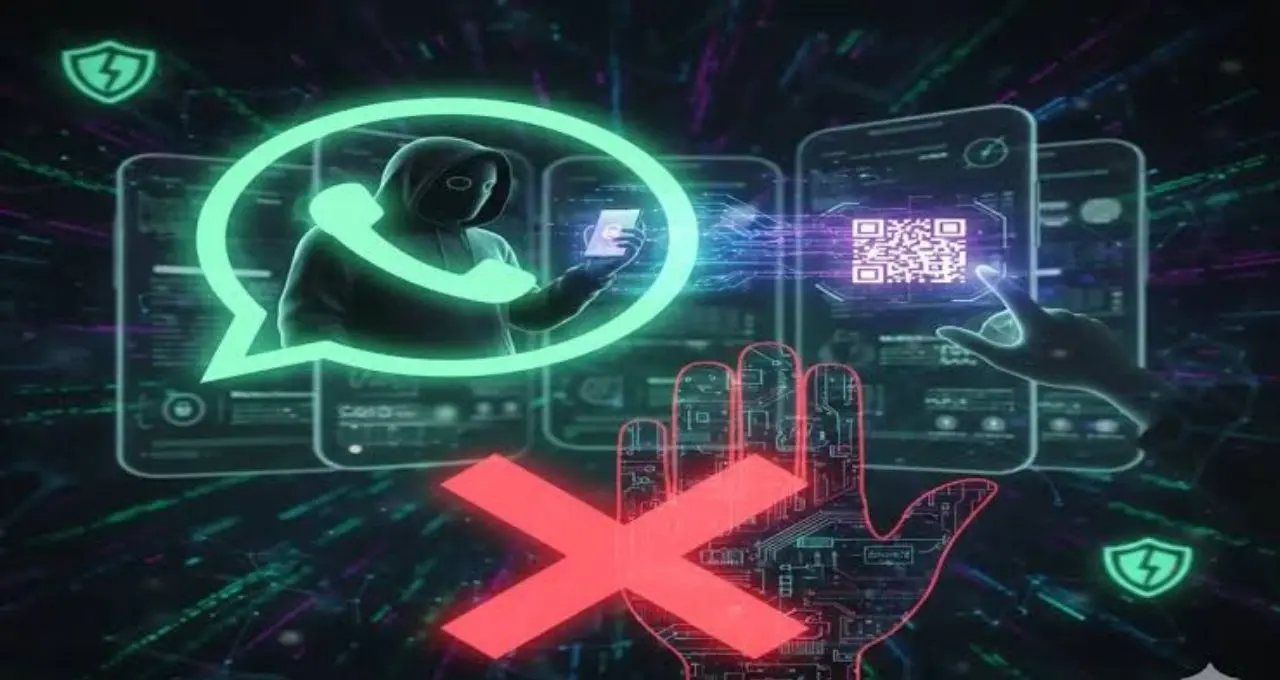
Cybercriminals can send repeated Authentication Requests to confuse users. If a user has not initiated a login but continues to receive unexpected security requests, the activity should be checked through the account’s security settings.
In case of suspicious activity, changing the password, signing out of unknown devices and reviewing available security options can be useful steps.
WhatsApp users can also face social engineering-based attacks. Cybercriminals may try to convince users that their phone number or account is being verified. During such attempts, an attacker may ask the user to provide an OTP or Verification Code or approve an Authentication Request.
If a user shares a sensitive code with another person or approves an unknown verification process, the risk of losing control of the account can increase.
Users should never share an OTP or Verification Code with anyone, even if the person claims to be a company employee, support agent or acquaintance.
Fake login request attacks do not always require criminals to steal a password. In some cases, attackers exploit a user’s haste, fear or trust and persuade them to complete the authentication process themselves.
This means that even with a b password, approving a suspicious login request can affect account security. This is an example of social engineering, in which human error is targeted instead of a technical vulnerability.
Google has long raised awareness among users about cyber threats such as phishing and social engineering. In modern cyberattacks, criminals often use fake alerts, fraudulent messages and notifications designed to appear trustworthy.
Users should therefore verify the authenticity of a security alert before taking immediate action. If they have not initiated a login, they should not approve an unknown Authentication Request.